Nacre Voice · voice dictation for MacSpeak. It's written, clean, right where you are.
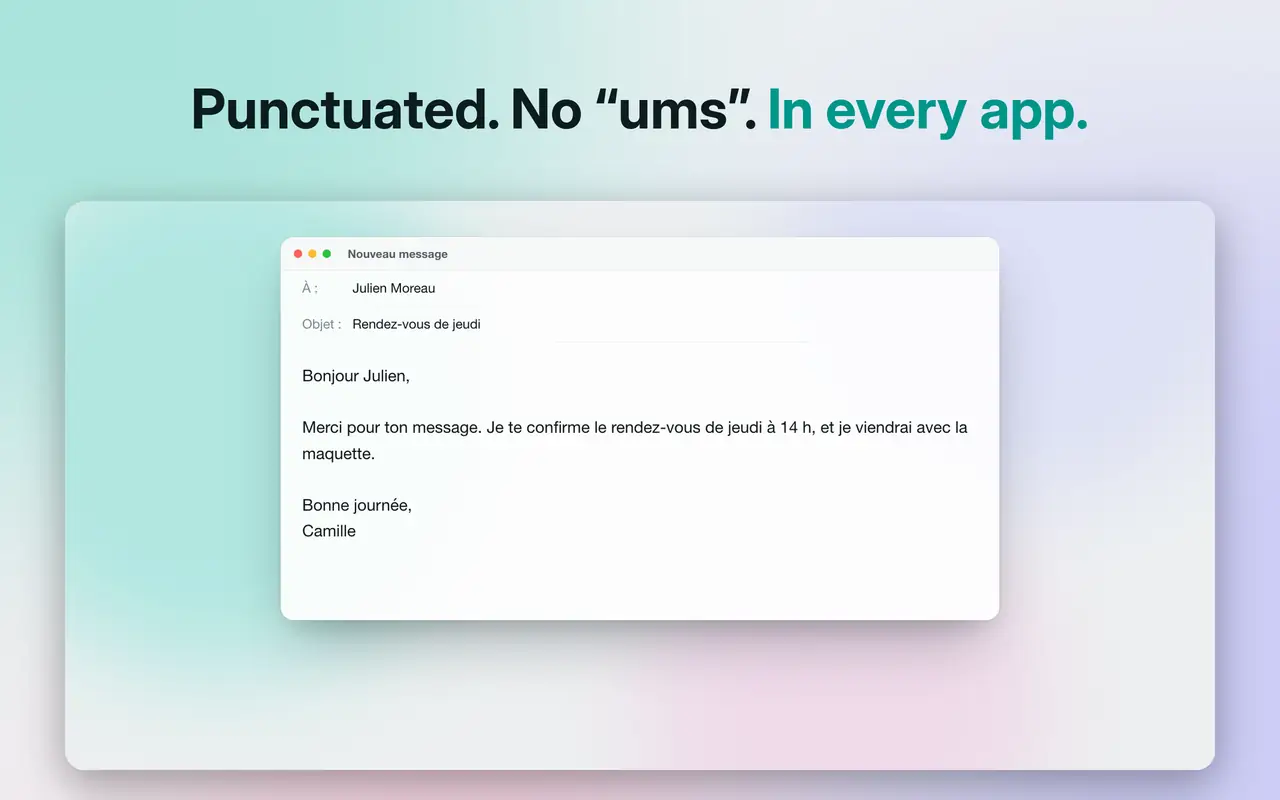
Press your key once, speak, press again. Nacre Voice removes the “um”s, adds punctuation, adapts the tone and pastes the text into the app you're in: Mail, Discord, Notion, Slack, your browser. The same tool corrects and translates any text you select.
Pasted in DiscordI think we could meet on Thursday.
3× fasterWe speak roughly three times faster than we type.
Every appText lands where your cursor is, no copy and paste.
9 languagesTo translate what you write or what you receive, both ways.
1,000 wordsFree every week, no credit card. Correction and translation included.
Good to know: the app opens in English on a Mac that isn't set to French, and you can switch language in Settings. Dictation, correction and translation work in English, French, Spanish, German and Italian.
The app
All your writing, on one screen.
How it works
Press, speak, press again.
1
Press once
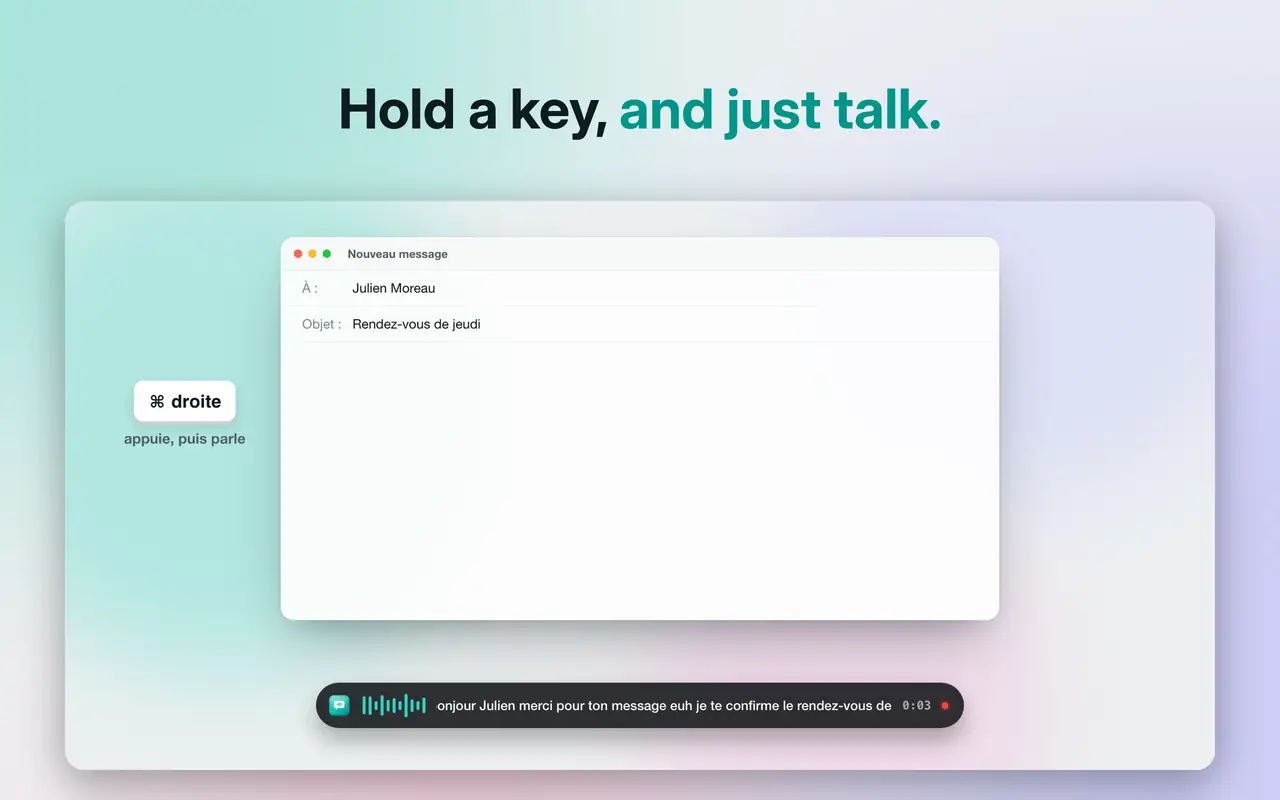
One press of your key (right ⌘ by default, configurable) and the pill lights up at the bottom of the screen. Your hands are free.
2
Speak naturally
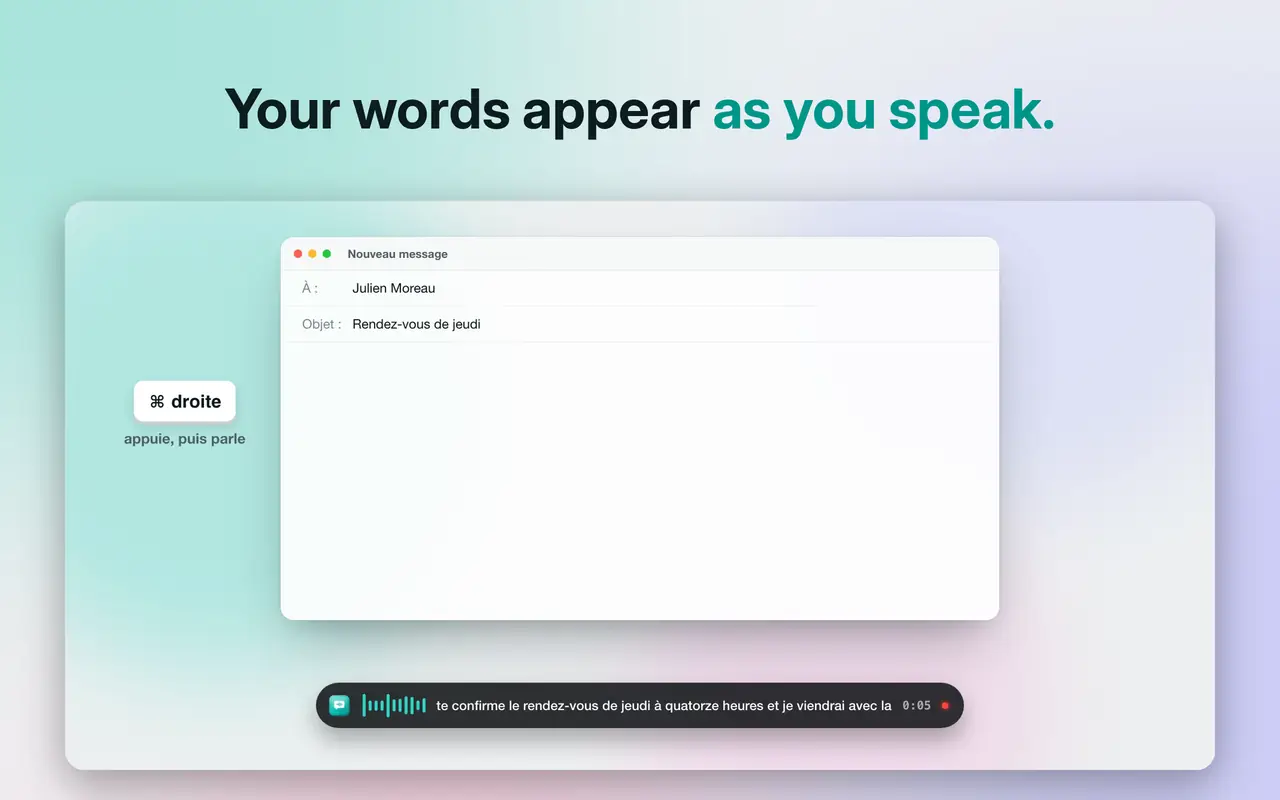
Hesitate, restart, change your mind mid-sentence. The pill shows your voice, and the text is prepared while you speak.
3
Press again
The cleaned-up text is pasted into the open app, and your clipboard comes back as it was. Esc cancels.
Prefer push-to-talk? Hold the key while you speak and release it: that works too.
In practice
What it looks like.
Examples of what the app does, in the apps you already use.
Cleaned-up dictation
What you sayum so for tomorrow let's meet at ten no wait eleven in front of the station
↓
Pasted in MessagesFor tomorrow, let's meet at 11 in front of the station.
Tone follows the app
What you saytell Julian the file will be ready friday and I'll send it as soon as it's done
↓
Pasted in Mail, polished toneHi Julian, the file will be ready on Friday. I'll send it as soon as it's finalised.
Command mode
Selected text, then you say “make it more polite”You still haven't sent me the quote.
↓
Replaced in placeJust following up: could you send me the quote when you have a moment?
Correction⌘C ×2
Selected textTheir going to send the documents tomorow.
↓
Corrected in placeThey're going to send the documents tomorrow.
Translation⌘C ×3
Your message in EnglishI'll look at it tonight and get back to you tomorrow morning.
↓
Replaced with FrenchJe regarde ça ce soir et je te redis demain matin.
Voice shortcut
What you say“my address”
↓
Your saved text, pasted as is12 Lilac Street, London
All features
Write, correct, translate. Everywhere.
Everything is in the free version. Pro only lifts the dictated-words limit.
Smart dictation
Speak the way you think, and the text comes out as if you had written it.
Hesitations, repetitions and false starts removed
Light, normal or full punctuation, your choice
French, English, Spanish, German, Italian, or automatic detection
Your words kept: the clean-up doesn't rewrite what you meant
Tone that fits each app
The same sentence isn't written the same way to a friend and in a work e-mail. Nacre Voice looks at which app you're writing in.
Casual in Discord, Messages, WhatsApp, Slack, Telegram, Teams
Polished in Mail, Outlook, Spark, Word and Pages
Can be turned off if you want one style everywhere
Corrector everywhere
Select text in any app and press ⌘C twice: it's corrected and replaced in place.
Spelling, grammar and agreement, punctuation, capitals and spacing
Smoother style as an option: you choose what may change
Corrector page to correct, rephrase or summarise a text
Tones: formal, friendly, shorter, clearer, pro e-mail
⌘C twice
Instant translation
Write in one language, send in another. A message you can't read becomes readable in three presses.
English, French, Spanish, German, Italian, Portuguese, Dutch, Japanese, Chinese
In a text field, the text is replaced by its translation
On a message you received, the translation appears in a bubble
⌘C three times
Call subtitles
During a call, what English speakers say is shown in French, live. Handy for French speakers in English-speaking meetings.
Discord, Zoom, Teams, FaceTime, or all Mac audio
Floating cinema-style banner you can move
At the end, the call is saved with its summary
Command mode
Select text, start dictation and say what you want: “make it more polite”, “turn it into a list”, “translate to Spanish”. The result replaces your selection.
Meetings
Start recording from the menu bar. At the end you get the full transcript, a clear summary and a to-do list.
As long as you like
Title, summary and tasks written for you
Everything stays on your Mac
Dictionary and voice shortcuts
Teach Nacre Voice the words it needs to know. Say “my address” and the full text is written.
My words: names, brands, the jargon of your trade
Voice shortcuts: say a phrase, paste a whole text
Automatic corrections: what it hears becomes what you meant
Read aloud
Select any text: it's read with the best voice installed on your Mac, in the right language.
⌃⌥R
History
Closed the window before the text arrived? Nothing is lost.
Dictations and corrections, searchable
Replay the audio and see the raw transcript
⌃⌥V pastes your last dictation again
No surprises
The app is made to be forgotten: it waits in the menu bar and answers when you press.
If the network drops, Apple dictation takes over on your Mac
Out of credits? Same thing, you're never stuck
Updates checked and installed automatically
Light in the background, lighter mode on small Macs
The corrector is tested in public on 3,000 French sentences: 98% of mistakes corrected, 98% of correct sentences left untouched. See the results
Shortcuts
Everything at your fingertips.
Shortcut
What it does
right ⌘ once
Start dictation, press again to paste the text (configurable key: right ⌥, ⌘ or ⌃, or Fn)
right ⌘ held
Dictate while the key is held, release to paste
⇧ + your key
Dictate in French, write in the translation language
Esc
Cancel the current dictation, nothing is pasted
⌘C twice
Correct the selected text
⌘C three times
Translate the selected text
⌃⌥V
Paste the last dictation again
⌃⌥R
Read the selection aloud
Free or Pro
Try it first, no card.
Free
1,000 dictated words a week
Correction, translation, subtitles, meetings and read aloud
Dictionary, voice shortcuts, history and dashboard
Pro
Unlimited dictation
A licence for 1, 3 or 5 Macs, monthly, yearly or lifetime
Linked to your account: activate it on a new Mac in one click